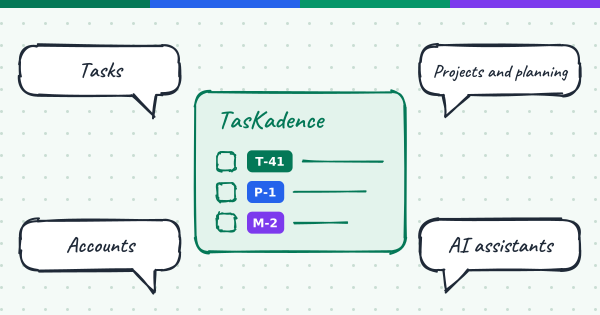
Most teams keep their goals in one place and their work in another. The goals live in a deck or a document, the tasks live in a tracker, and by the middle of the quarter nobody can say which tasks move which goal. TasKadence closes that gap: it is where the work behind your goals gets done, with your people and your AI assistant in the same place.
Here is what that looks like, piece by piece.
Tasks that stay organised
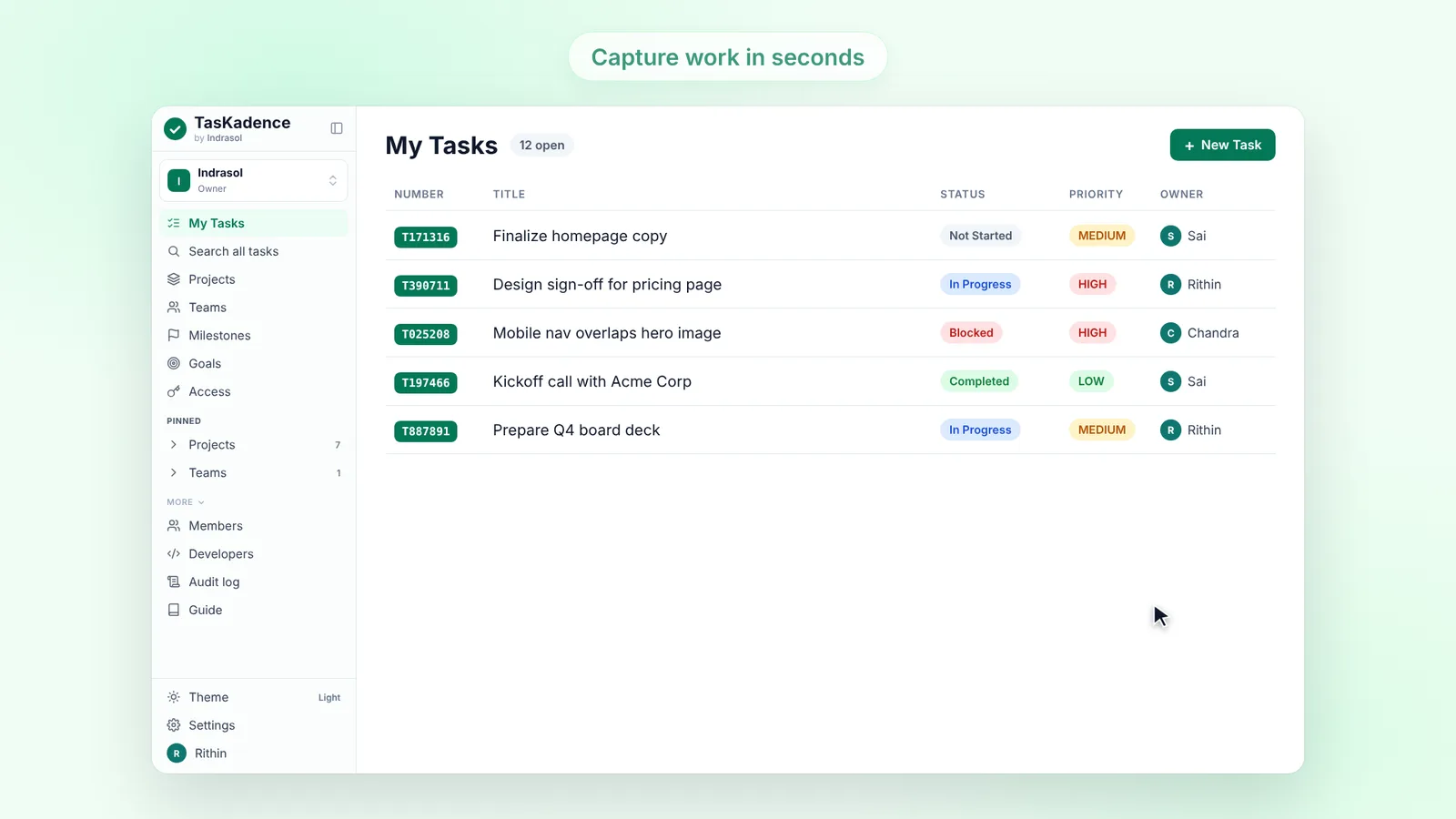
My Tasks is everything assigned to you; Search all tasks is every task in your organization. Type a keyword or an ID, filter by status, priority, owner, project or date, and save the result as a view you can pin. Your search and filters are still there when you come back from another page, and the address keeps them, so you can send a colleague the exact same list.
- Table or board. Edit a task right in its row, or switch to a board with a column per status.
- Subtasks and blockers. Break work down, and link a task to the tasks it waits on so you can see what is holding it up.
- Newest first. A Created column puts what was just added at the top.
Projects
A project is where a body of work lives: its people, sprints, goals, milestones, resources and tasks, each in its own tab. Big projects split into sub-projects. Give a project a logo so it is easy to spot, and make it public (every member of the organization sees it) or private (only the people you add).
- Members and roles. Each person has a project role: owner, lead, manager, member or viewer.
- Everything inside. Tasks, milestones and goals are tabs of their project, not separate apps.
Planning in one place
Planning is your whole organization's work on one page: every project's sprints, everyone's capacity and every task. Sprints belong to projects, and Focus projects narrows the page to the ones you care about (yours, your pinned ones, or a hand-picked list) and remembers your choice.
- Goals that fill up. A goal's progress is the share of its tasks that are done, so it moves as the work does.
- Milestones on a timeline. Dated checkpoints with a Today line; drag one to change its date.
- Capacity. See who is away, day by day, before you commit to a sprint.
Work together
Talk about a task where the task is. A comment can carry up to 5 files of up to 100 MB each, and when a reply would be one word, react with an emoji instead. Each task has subscribers who get an email when it changes; whoever creates it and whoever it is assigned to are subscribed for you.
- Faces everywhere. Pick one of 36 illustrated avatars or upload a photo; it shows on tasks, comments and people pickers.
- Email you choose. Switch each kind of email on or off in your profile. Account and service email always arrives.
Your AI assistant, connected
TasKadence works inside Claude today: add it from the Claude directory. Ask about your work and Claude answers with interactive views for tasks, sprints, goals and projects, right in the chat. Any assistant that speaks MCP can connect too, including Cursor, VS Code, GitHub Copilot and Claude Code. ChatGPT and Microsoft 365 Copilot are coming soon.
- One connection, all your organizations. Choose All my organizations when you connect, and lists show which organization each item comes from.
- Every change on the record. What an assistant does is in the audit log under your name, and every task it creates carries a Bot mark.
- Review before it lands. Your organization, or a project owner, can hold agent tasks until a person accepts or rejects them.
The details are in TasKadence now works inside Claude and Use TasKadence from your AI assistant.
One account for your organizations
Many people run more than one organization: a company, a client workspace, a side project. Your account sits above the organizations you own, with one owner, one People directory and one bill, all in Settings > Account.
- 10 GB of free storage, shared by all the account's organizations. TasKadence is free for your whole team; you pay only for storage beyond that.
- Organizations that move. Move an organization to another account, or hand the account to a new owner.
More in One account, many organizations.
Secure by design
You sign in with a one-time code sent to your email, with no password to leak, and you can add two-step sign-in with an authenticator app; an organization's owners can require it. Each organization's data is kept apart in the API and by Postgres row-level security.
- Private files. Attachments are stored privately and open through links that expire after a few minutes.
- Audit log. Owners and admins see who did what and when, for people, tokens and apps alike.
- Encrypted in transit, backed up. Every connection uses HTTPS, and restoring from a backup is a procedure we rehearse.
How to report a vulnerability, and the rest of what we do, is on the Security page.
For developers
Everything your team does in the app, you can do in code. Tokens are scoped, belong to one organization, and can be revoked at any time.
- REST API, Python SDK and CLI. Tasks, projects, goals, milestones, sprints and webhooks over JSON, with a typed client and a command line for scripts.
- Webhooks and OAuth apps. Signed webhooks with retries, a delivery log and replay; register your own OAuth app for others to connect.
- MCP server. Remote or local, over OAuth or a token, read-only if you like.
Start at docs.taskadence.com.
Built to scale
Before launch we load-tested TasKadence on a full-size copy of production, with every customer working at once, and it stayed fast. The API scales out as you grow, and your data lives in managed Postgres.
Get started
TasKadence is free for your whole team. Sign up, create your first project, and add a goal and a few tasks; it takes a couple of minutes.
- Learn the basics in the Guide.
- Plan with your assistant: Plan a sprint in 5 minutes with your AI assistant.
- See how the views are built: How we built interactive views with MCP Apps.
Tell us what you think from Settings > Feedback.