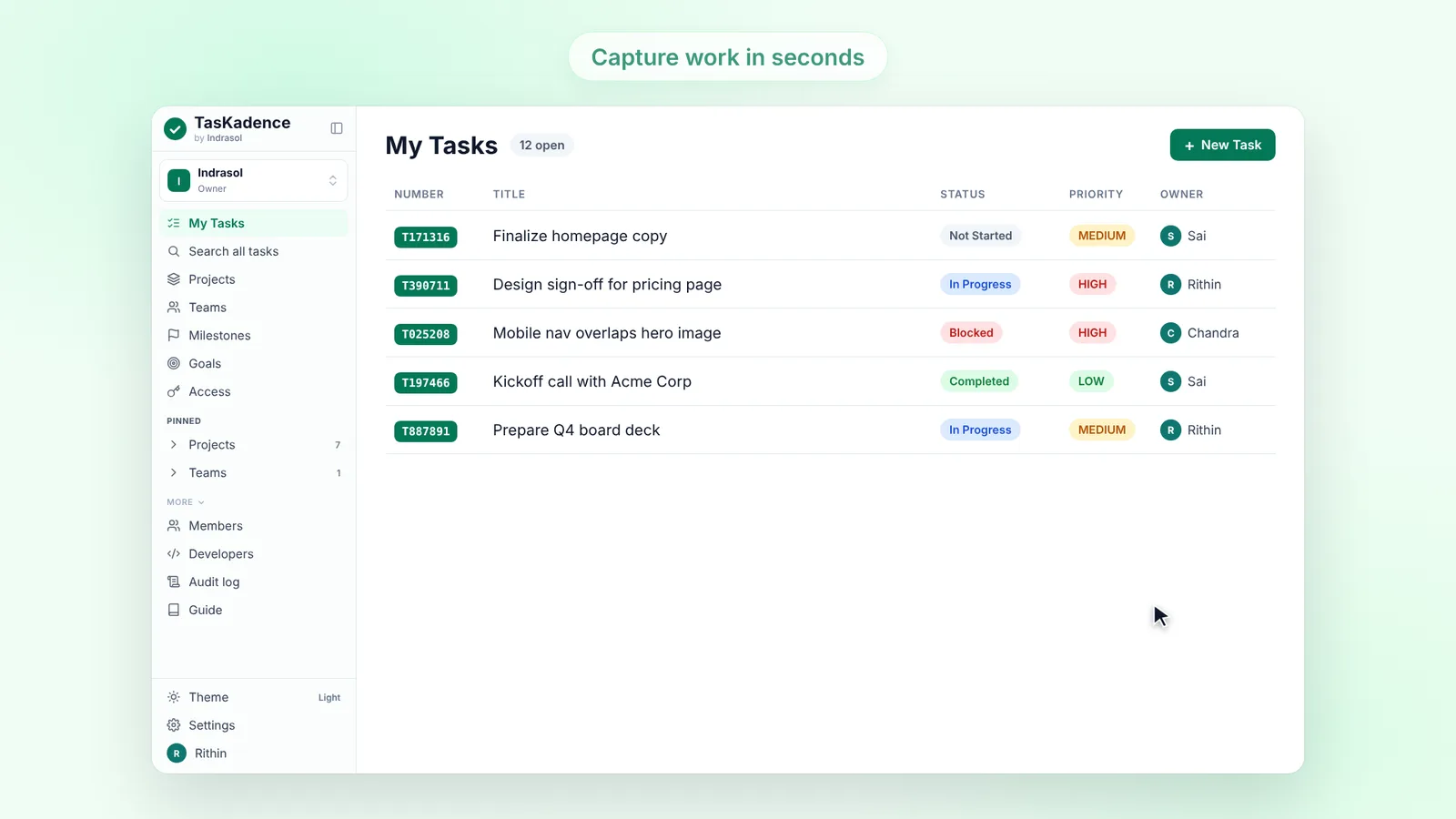
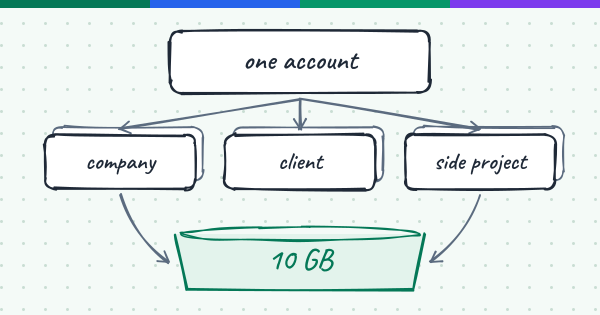
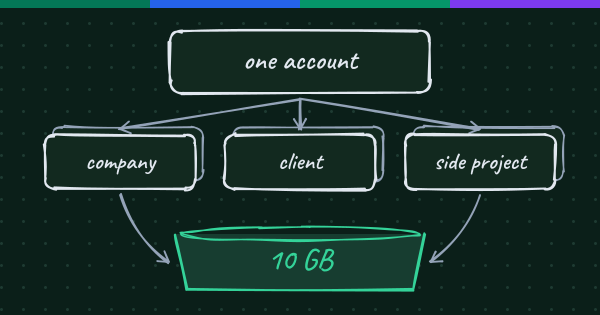
Most people we talk to don't live in a single workspace. There is the company they work for, a client they work with, a community project, maybe a small business on the side. TasKadence has let you belong to several organizations for a long time, but nothing represented you across all of them. Release 10 adds that: an account.
The account, above your organizations
An organization is still the workspace that holds projects with their sprints, tasks, goals and milestones, along with its members and their roles. The account sits above the organizations you own, and it is where the things that belong to you, not to one workspace, now live: who owns it, its people, its storage and its bill.
You find it in Settings > Account, in four tabs:
- Overview, for everyone in the account: its name, your role, and the shared storage pool with each organization's part. Owners and admins also see the account number.
- People, for the owner and account admins: one directory for the whole account. Add a person once, then choose which organizations they can reach with Organization access.
- Billing, for the owner only. Everyone else sees who manages it.
- Transfers, for the owner only: organizations being sent to or from your account.
One pool of free storage
The free allowance belongs to the account, not to each organization: 10 GB of file storage free per account, shared by all its organizations. Settings > Storage shows the pool first, with each organization's part of it. Storage beyond the pool is billed per GB-month on the daily average, on one card with one invoice for the whole account, on the 1st of each month. Only the account owner adds the card or changes billing, in Settings > Account > Billing.
Moving an organization to another account
Organizations can now change hands. The account owner starts it from the organization's Settings > General > Transfer organization, with the other account's number and its owner's email. The request waits in that owner's Transfers tab for 7 days, to accept or decline.
The account itself can change hands too: from Overview, the owner can make an account admin the new owner, and stays on as an admin.
Nothing waits unseen
When something needs the owner (a transfer to accept, one of yours still waiting, or a card that was declined), a small badge with the count appears on Settings in the sidebar and on the Account tabs, so it is not missed.
Your Claude connection keeps working
The account needed no new scopes and no reconnect. A connection set up for All my organizations keeps covering every organization you belong to, and Claude's Storage view now shows the account's pool. More on the connector is in TasKadence now works inside Claude.
In short
- One account above your organizations, with one owner and one People directory.
- 10 GB of free storage per account, shared by all its organizations, with one bill beyond that.
- Organizations can move between accounts, and the account can get a new owner.
- Find all of it in Settings > Account.